

KVM Extender via Cat5e/6 (60m)
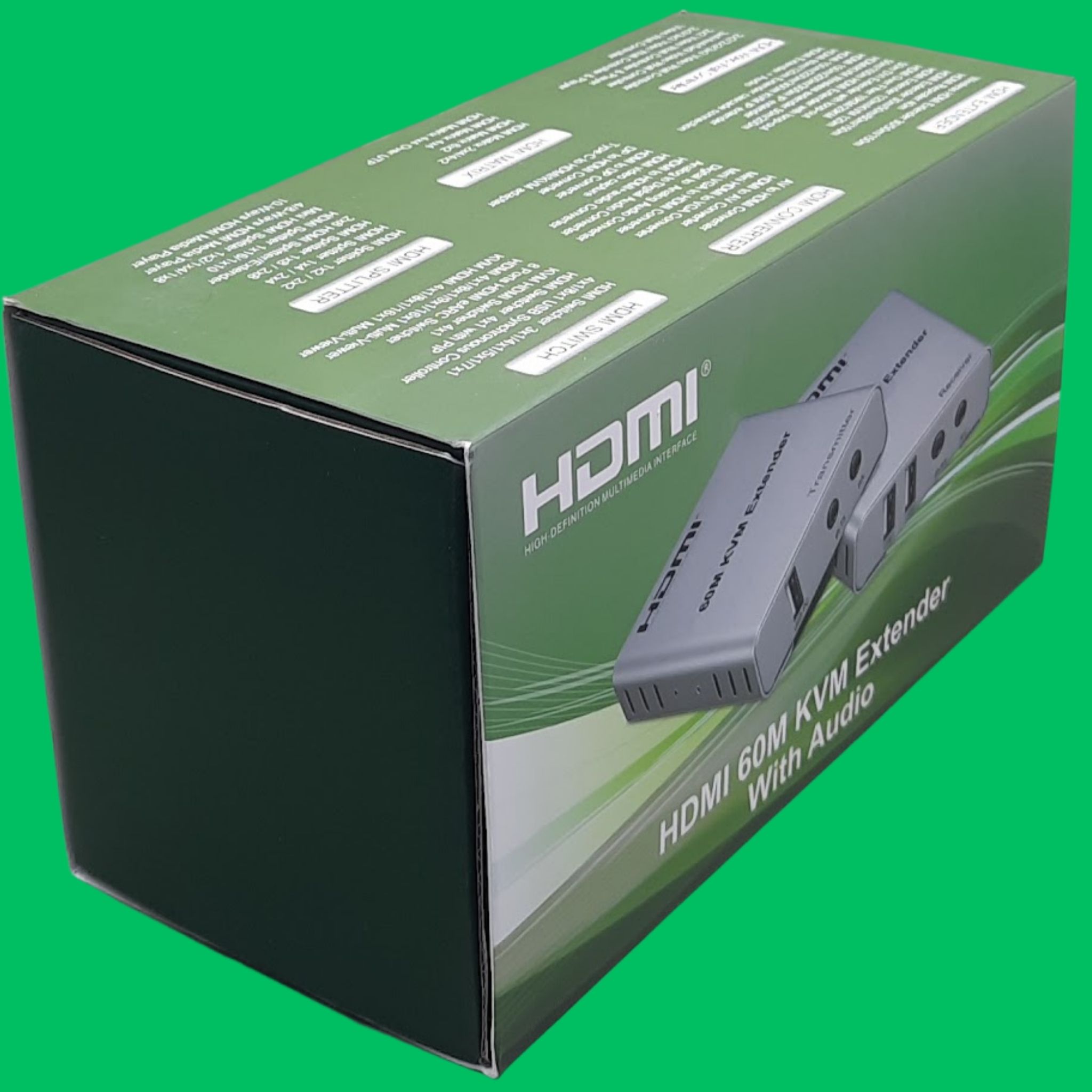
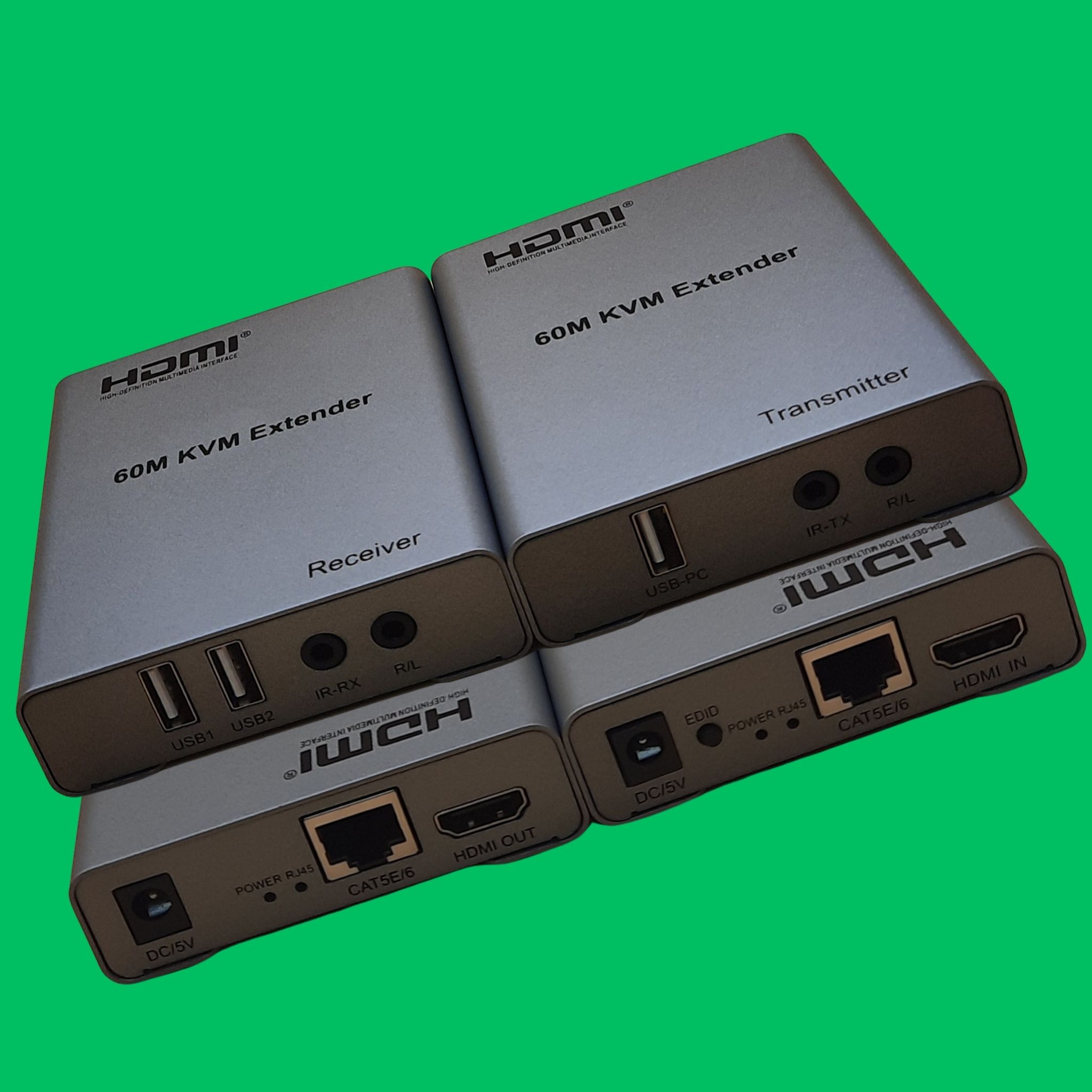
KVM Extender via Cat5e/6 (60m)
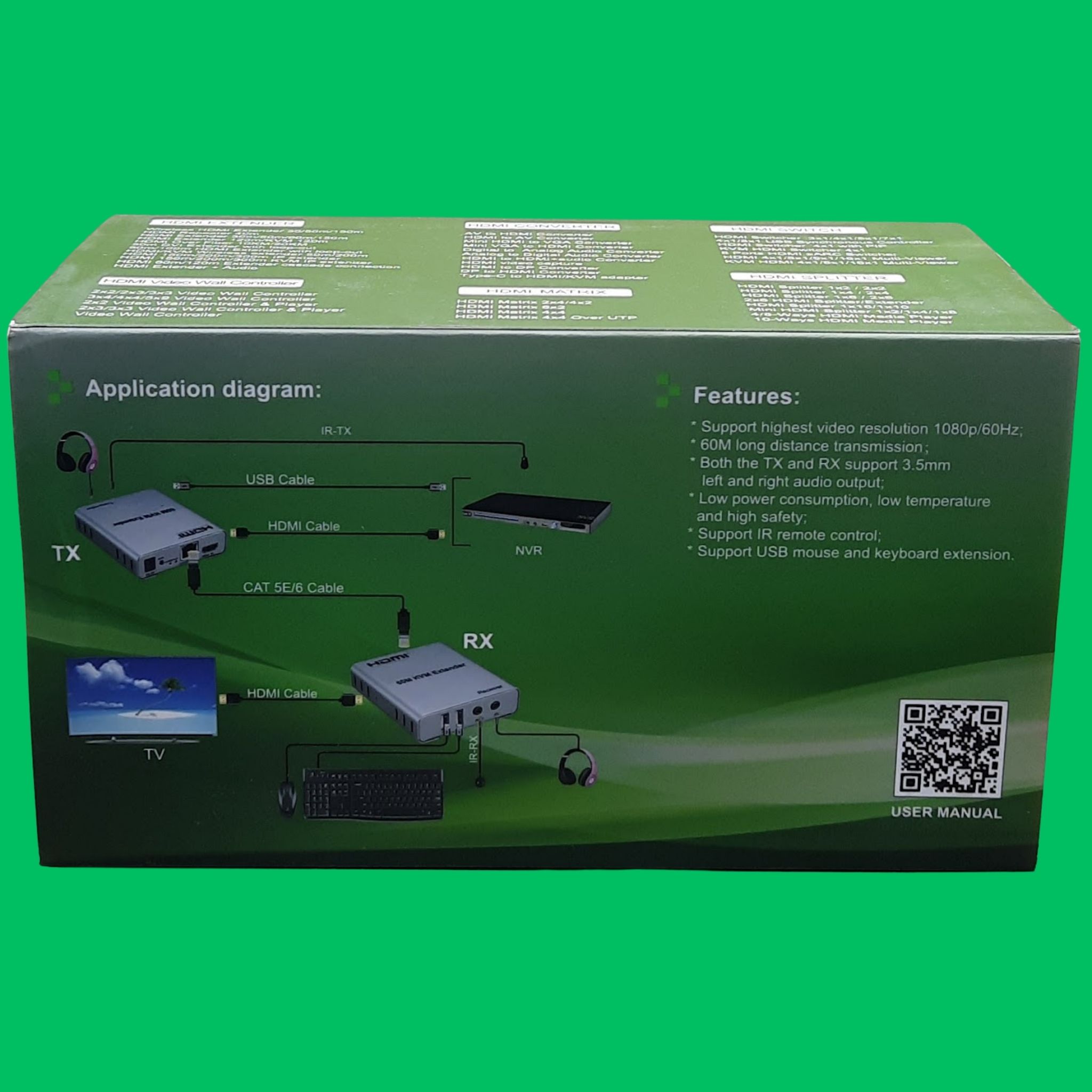
Extend full 1080p HDMI video, USB keyboard/mouse control, audio, and IR signals up to 60 meters over a single Cat5e/Cat6 ethernet cable.
Quick Specifications
| Max Resolution | 1080p @ 60Hz |
| Transmission Distance | Up to 60 meters (196 ft) over Cat5e/Cat6 |
| Video Connector | HDMI Female (TX Input / RX Output) |
| USB Interface | TX: USB-PC Port (Host Input), RX: 2× USB Ports (Keyboard/Mouse) |
Contact our retail locations in Dubai for instant quotations & stock pickup:
Deira Branch Bur Dubai BranchKey Features
Long-Distance Transmission
Extend 1080p high-definition HDMI video and audio signals up to 60 meters (196 ft) using a single cost-effective Cat5e or Cat6 network cable.
Full KVM USB Control
Features dual USB ports on the receiver to connect a keyboard and mouse, allowing real-time remote control of connected PCs or NVR security systems.
Dedicated Audio Extraction
Built-in 3.5mm stereo (R/L) audio jacks on both the transmitter (TX) and receiver (RX) units for easy connection to external speakers or headphones.
Infrared (IR) Pass-Through
Supports IR remote control extension, enabling convenient source device management directly from the display side.
Integrated EDID Management
Built-in EDID button ensures automatic display parameter handshaking to optimize resolution and refresh rate compatibility.
Low Power & Heat Dissipation
Housed in durable, heat-dissipating metallic enclosures designed for low power consumption, quiet operation, and reliable 24/7 performance.
Complete Kit Included
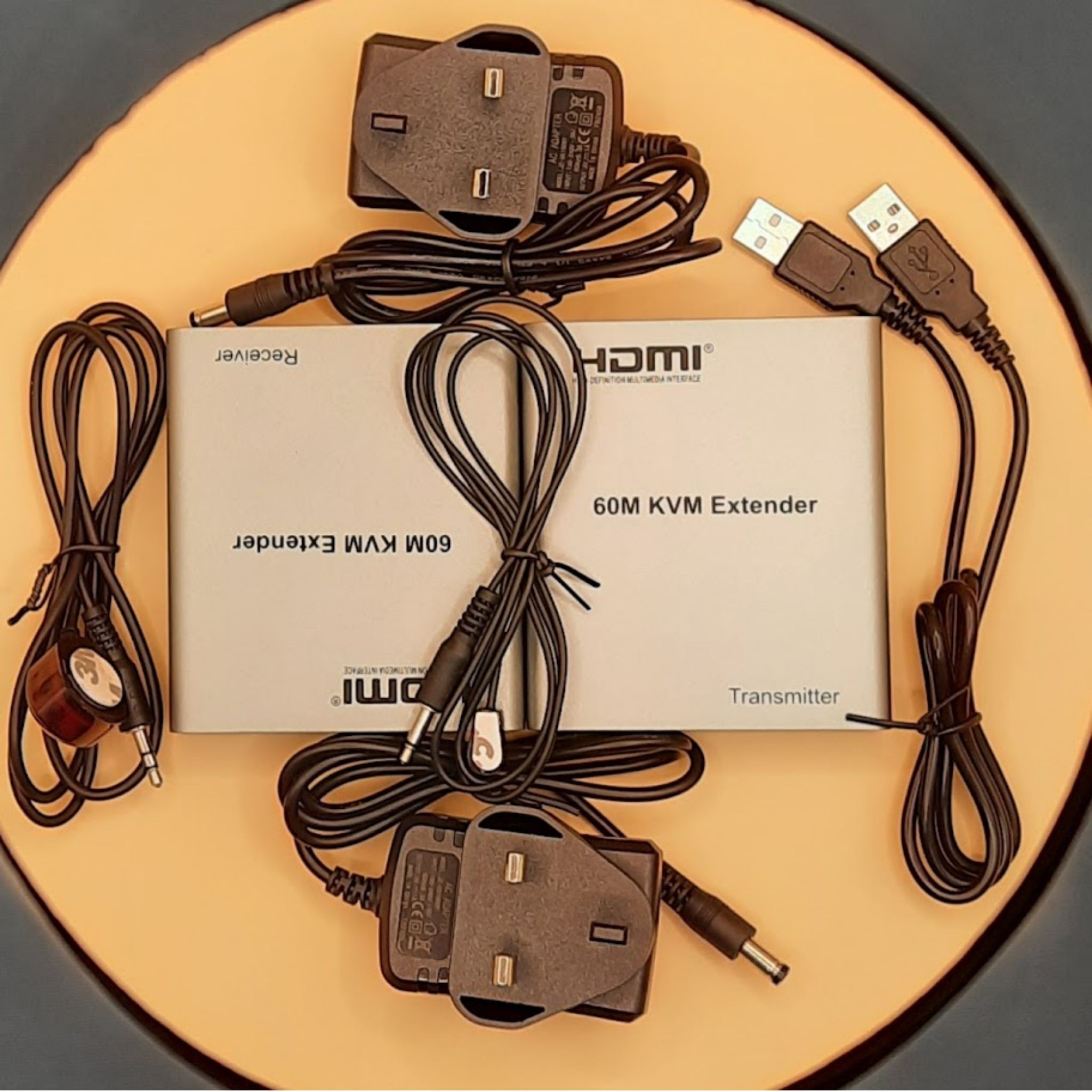
Comes complete with transmitter and receiver units, dual DC 5V UK power adapters, IR transmitter/receiver cables, and a USB host cable for out-of-the-box installation.
Technical Specifications
| Max Resolution | 1080p @ 60Hz |
| Transmission Distance | Up to 60 meters (196 ft) over Cat5e/Cat6 |
| Video Connector | HDMI Female (TX Input / RX Output) |
| USB Interface | TX: USB-PC Port (Host Input), RX: 2× USB Ports (Keyboard/Mouse) |
| Audio Interface | 3.5mm Stereo R/L Jack (TX & RX) |
| IR Interface | 3.5mm IR-TX Port (Transmitter) / 3.5mm IR-RX Port (Receiver) |
| Network Interface | RJ45 Shielded Port (CAT5E/6) |
| EDID Control | Manual EDID Passthrough Button (TX) |
| Power Supply | DC 5V Power Inputs (Dual UK Power Adapters Included) |
| Enclosure Material | Metal Alloy Casing |
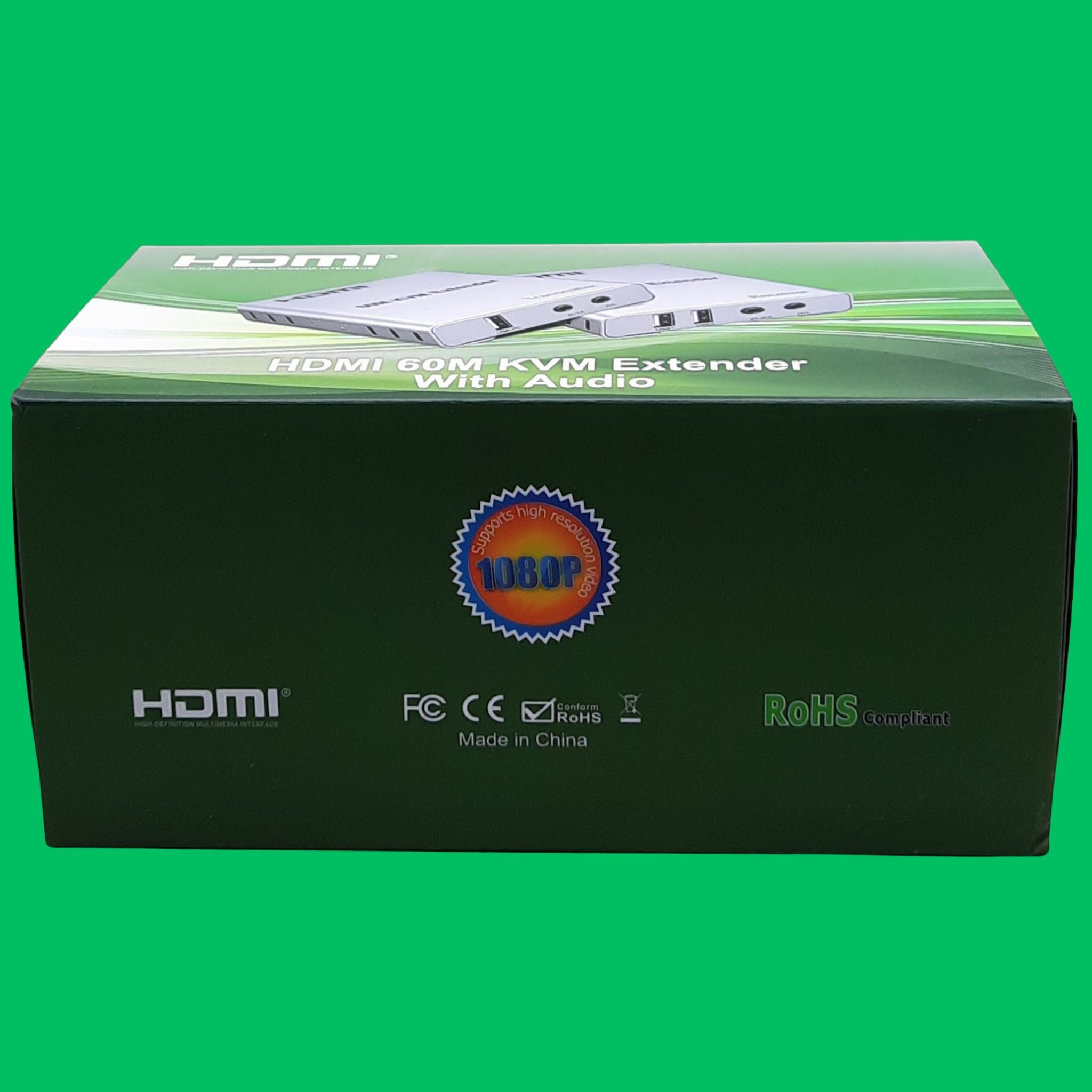
| Compliance | FCC, CE, RoHS Compliant |
Applications
CCTV & Security NVR Remote Management
Monitor and control DVR/NVR surveillance systems from a security control room or office desk while keeping the recorder safely locked away.
Remote PC & Server Operation
Place loud, heat-generating server racks or high-performance PCs in a remote server room and operate them silently with a remote screen, keyboard, and mouse.
Commercial & Digital Signage
Distribute full HD video and audio content to distant displays in retail stores, shopping malls, trade shows, and airport terminals.
Conference Rooms & Classrooms
Mount laptops or media sources at a podium or presenter desk while connecting seamlessly to a wall-mounted TV or ceiling projector.
Home Theater & AV Installations
Route AV sources from a centralized media closet to living room or bedroom displays without signal degradation.
Package Contents
- 1x HDMI 60M KVM Extender Transmitter Unit (TX)
- 1x HDMI 60M KVM Extender Receiver Unit (RX)
- 2x Power Adapter (DC5V 1A)
- 1x Input USB A Male to Male Cable
- 1x IR Blaster Remote Control Receiver Extender Cable 3.5mm
- User Manual.
Certifications
CE Certified
Complies with EU safety, health, and environmental protection standards.
FCC Compliant
Verified under FCC Part 15 standards for RF and EMI control.
RoHS Compliant
Manufactured free from hazardous substances such as lead and mercury.
Safety Instructions
Power Supply
Use only the included DC 5V power adapters. Connecting an improper voltage supply may cause permanent damage or void the warranty.
Cable Selection
Use high-quality, pure copper Cat5e or Cat6 UTP/STP ethernet cabling for optimal performance and full 60m transmission distance.
Proper Grounding & ESD Protection
Ensure all connected devices are properly grounded to prevent electrostatic discharge damage.
Ventilation & Environment
Install the units in a well-ventilated, dry environment away from heat sources and moisture.
Hot-Plugging Avoidance
Turn off power before connecting or disconnecting the RJ45 or HDMI cables to prevent handshake issues.
Do Not Disassemble
Do not attempt to open or modify the metallic casing.